
Team Roles, Permissions, and Multi-Org.
Invite your team with owner, admin, agent, and viewer roles or build custom roles on a permission matrix — and run several businesses under one login.
3-day free trial · Monthly or annual billing · Cancel anytime
Least privilege
The right people, the right things, nothing more.
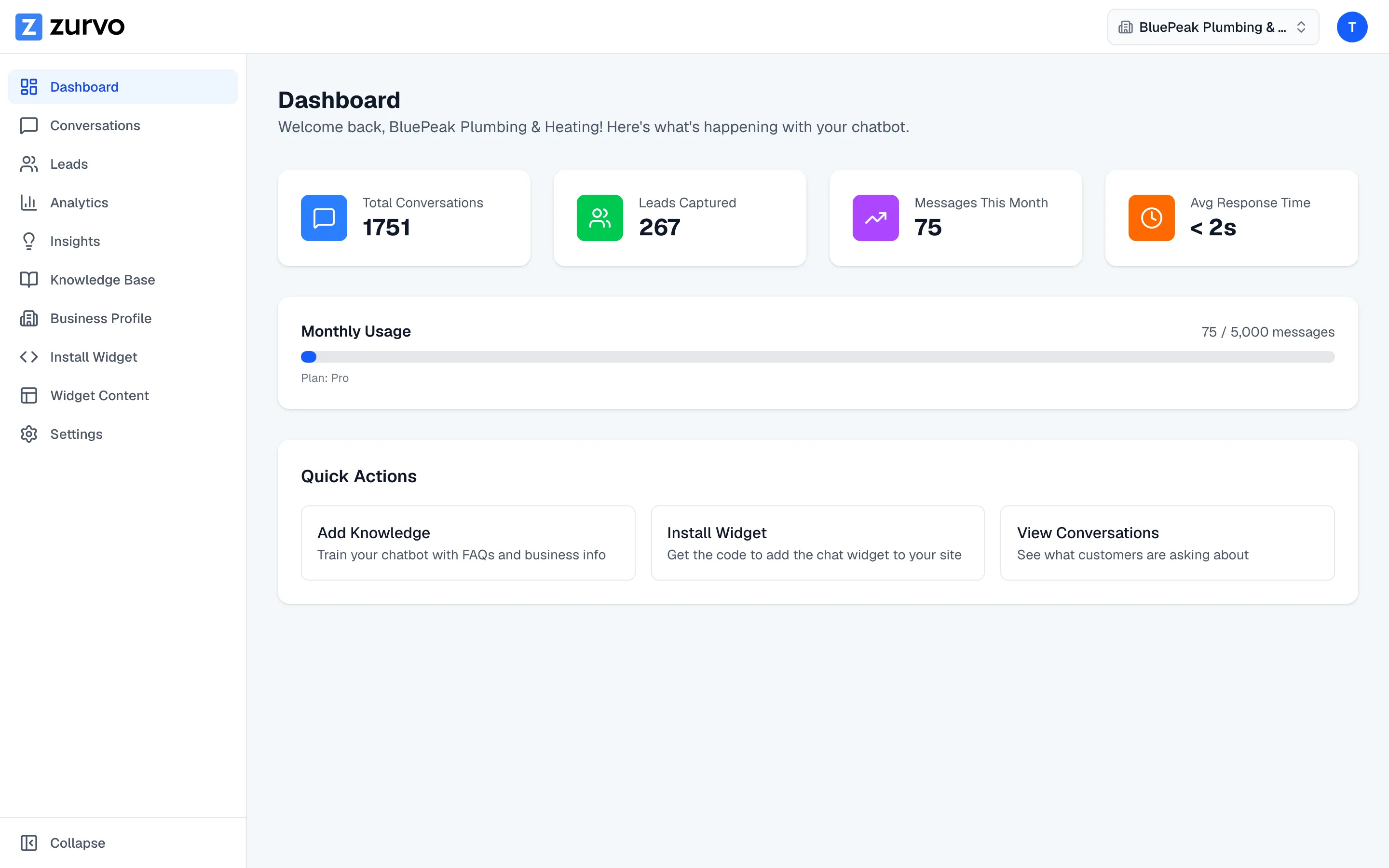
The moment your chatbot hands conversations to people, support stops being one person's job. Give everyone the same login and you've got a mess and a risk. Roles let each person do exactly what their job needs.
- Agents work conversations without rewiring handoff settings
- Viewers see the numbers without touching a customer
- The same permission model runs through the whole platform
Four built-in roles
Cover most teams without designing anything.
Most teams can staff support with the roles Zurvo ships with — they map cleanly onto how support work actually divides.
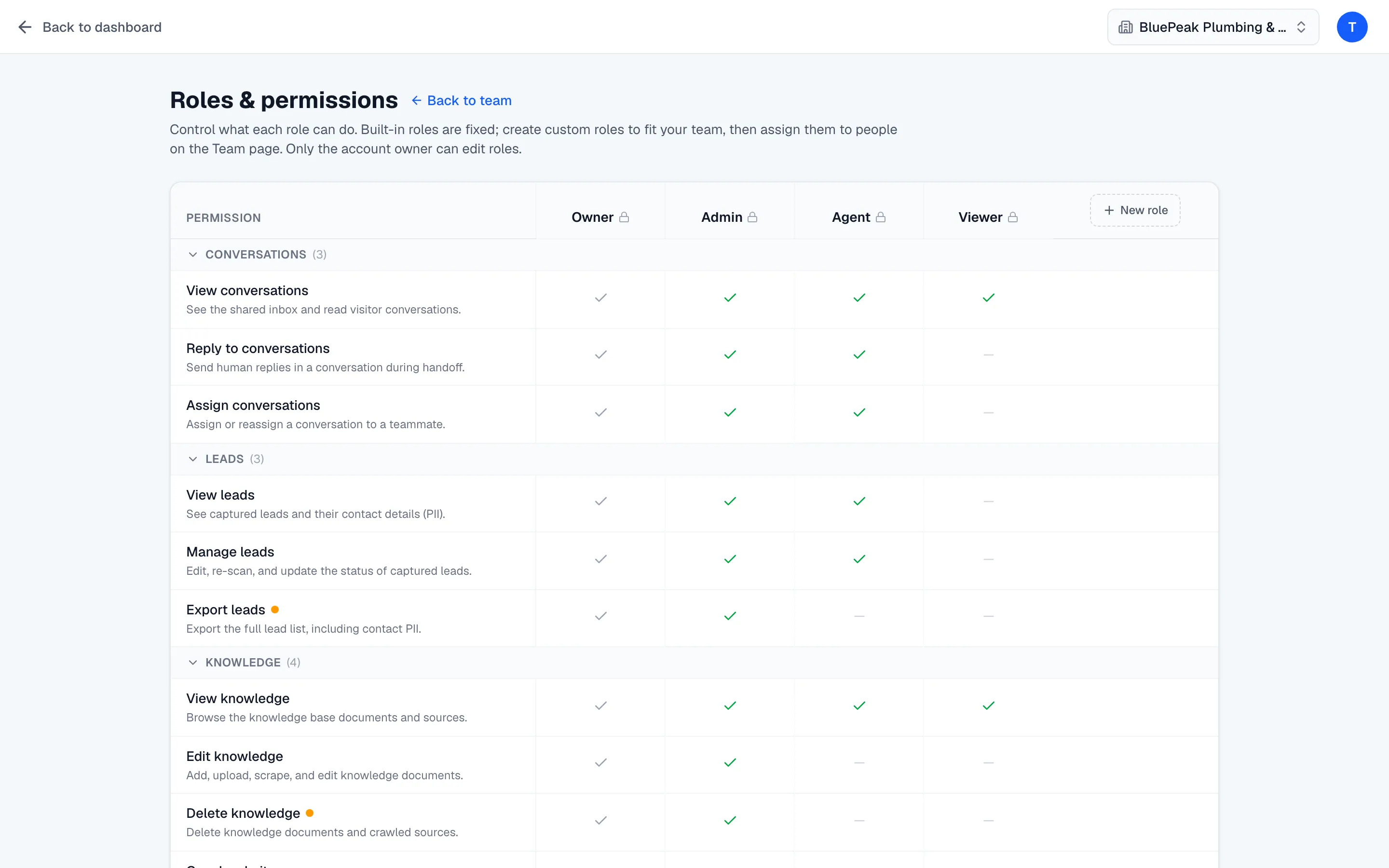
- Owner: full control — billing, team, roles, settings
- Admin: full operational access; Agent: work conversations, no settings
- Viewer: read-only access to conversations and analytics
Custom roles
Build access that fits your team.
Real teams have jobs the presets don't anticipate — a QA reviewer who sees conversations and insights but not settings. Owners build custom roles on the matrix, with built-ins shown as locked reference columns.
- Permissions grouped by resource as collapsible rows
- Built-in roles are locked; custom roles are editable columns
- Managing roles is owner-only
Multi-organization
Run several businesses under one login.
Own and operate several businesses or brands from one login, switching between them from an org switcher. Each is fully separate — its own knowledge base, conversations, leads, team, and settings, with no data bleeding between them.
- Built for agencies and multi-brand operators
- One invitation can grant access across specific orgs, a role per org
- Availability may depend on your plan
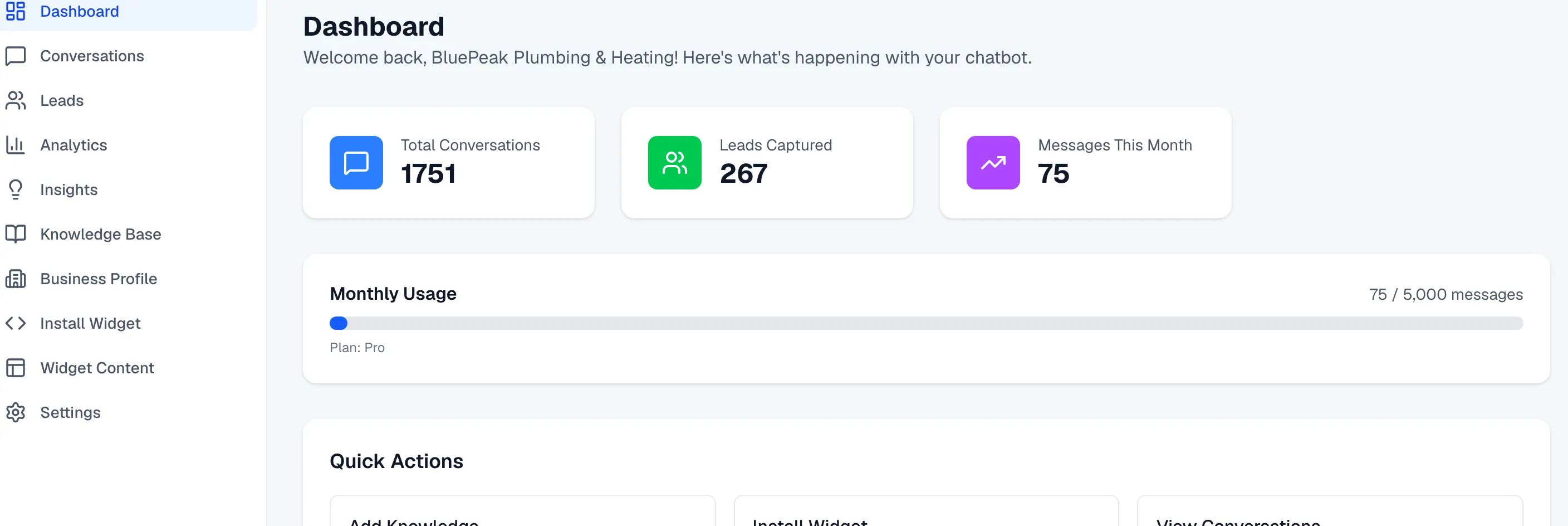
Roles and multi-org sit on the same per-tenant isolation and audit logging that protect the rest of the platform, so access control and data control reinforce each other — roles also govern who can manage the knowledge base and work the team inbox.
A few honest limits: managing roles is owner-only by design, SSO and SAML are handled as part of an enterprise engagement rather than self-serve, and multi-org availability can depend on your plan. See what each plan includes on pricing, or try it live.
Frequently asked questions.
What roles does Zurvo include?
Four built-in roles: owner and admin (full access), agent (handle conversations without changing handoff settings), and viewer (read-only access to conversations and analytics). You can also define custom roles with exactly the permissions you choose.
How do custom roles work?
Owners can create custom roles on a permission matrix — permissions are grouped by resource as rows, roles are columns. The built-in roles are locked and read-only; your custom roles are fully editable, so you can build access that fits your team instead of forcing people into a preset.
What is multi-organization?
Multi-org lets you own and run several businesses or brands under a single login and switch between them, each with its own knowledge base, conversations, leads, and team. It's built for agencies and operators managing more than one business. Availability may depend on your plan.
Can one teammate work across several organizations?
Yes. An owner can invite a person and grant them access to specific organizations with a role per org, from a single invitation. When they accept, they get the right access in each business at once.
Who can manage roles and the team?
Managing roles is owner-only. Team management is available to owners and admins. Everyone else sees a read-only view — access to administration follows the same permission model as the rest of the platform.
How do I add teammates and assign roles?
An owner or admin invites a teammate by email and assigns their role; the invitee accepts and joins with exactly that access. Invitations are scoped and tracked, so you can see who's pending and who's active, and accepting an invite is logged as part of your audit trail. See Security and Control for the audit trail.
Does role-based access apply across the whole platform?
Yes. The same permission model governs who can manage the knowledge base, who can work the team inbox, who can see analytics, and who can administer the account — so access control is consistent everywhere, not bolted onto one screen.
Do roles and multi-org scale as my team grows?
Yes, without a migration. Most teams start with an owner and a couple of agents on the built-in roles, then add a viewer when a manager wants visibility, spin up a custom role for a job that doesn't fit a preset, or bring on a second brand with shared teammates across both. Nothing about the early setup has to be undone.
Does Zurvo support SSO or SAML?
Not as a standard self-serve feature. Provisioning is by email invitation with roles. Enterprise identity integration like SSO and SAML is handled as part of an enterprise engagement. See Security and Control for details.
Turn your website into your best support agent.
Train Zurvo on your content, answer customers with citations, and hand off to your team when it counts.
3-day free trial · Monthly or annual billing · Cancel anytime