
Chat Widget: Embed AI Support on Any Site.
Embed Zurvo's chat widget on any website with a script tag or iframe. Brand it, add a help center and news, and let visitors upload photos the AI reads.
3-day free trial · Monthly or annual billing · Cancel anytime
One embed
Install in a minute, on any platform.
Getting AI support onto your site shouldn't require a project. Drop in a script tag or an iframe and it works — no plugin to maintain, no platform lock-in.
- Runs on WordPress, Wix, Squarespace, Shopify, Webflow, or custom
- It's an embed, not a plugin you have to maintain
- If you can paste a line of HTML, you can run Zurvo

The hub
A support center, not just a chat box.
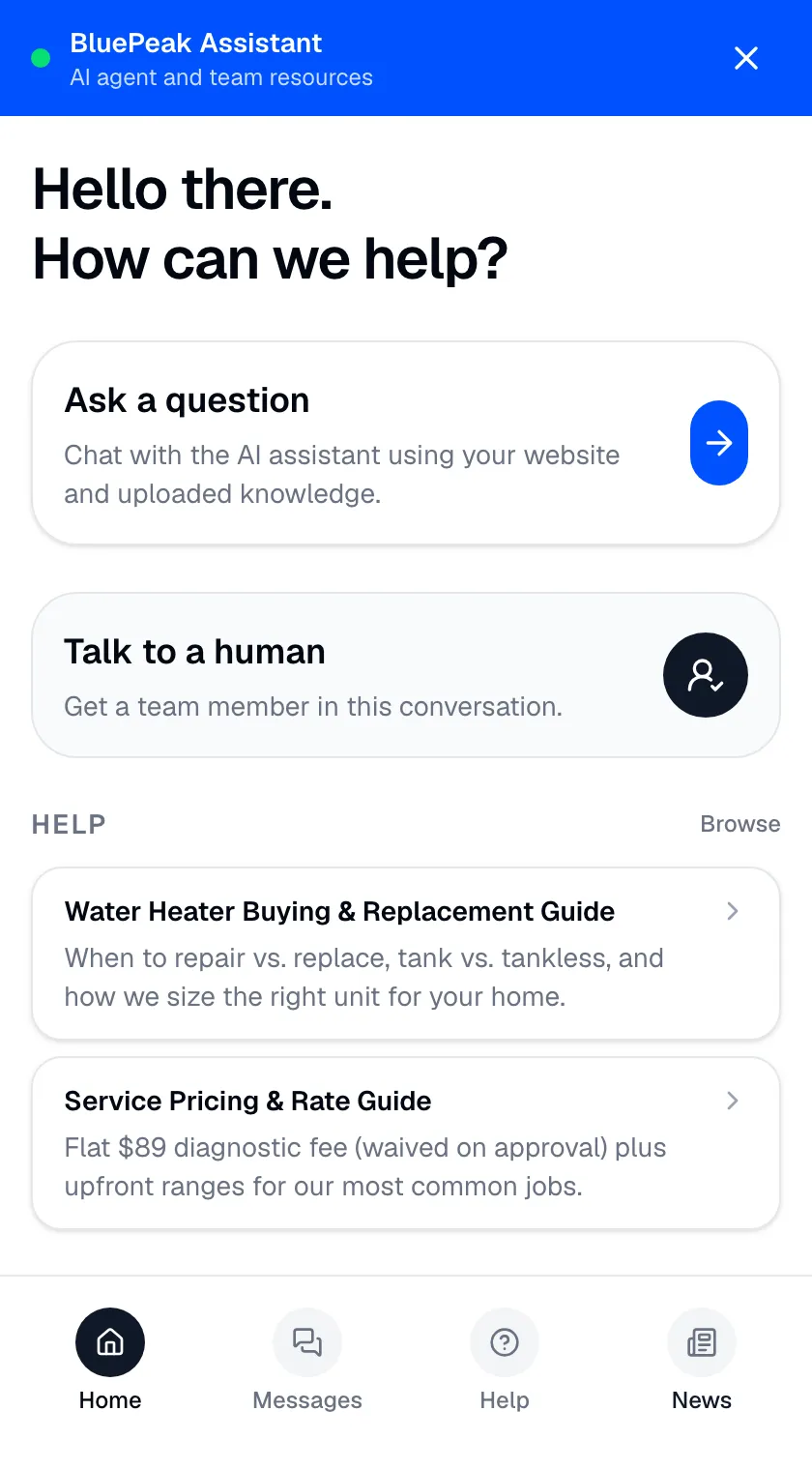
Open the widget and visitors land on a home view — a small, branded support center — so it's useful even to visitors who never send a message. Everything in it is powered by your grounded AI and knowledge base.
- Ask a question and get a grounded, cited answer
- Talk to a human, routed into your team inbox with context
- Browse help and news curated from your content
Help center and news
Let visitors find the answer themselves.
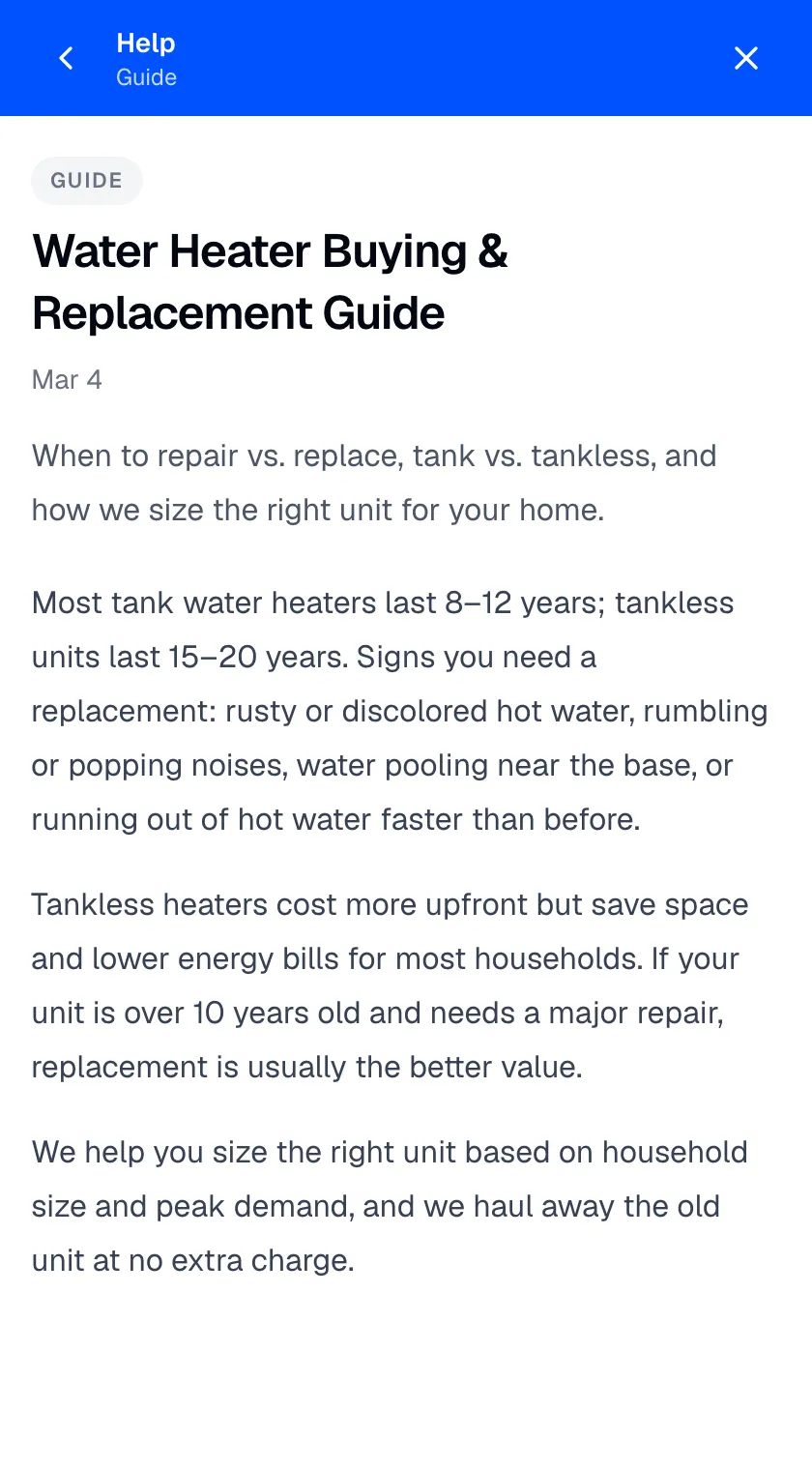
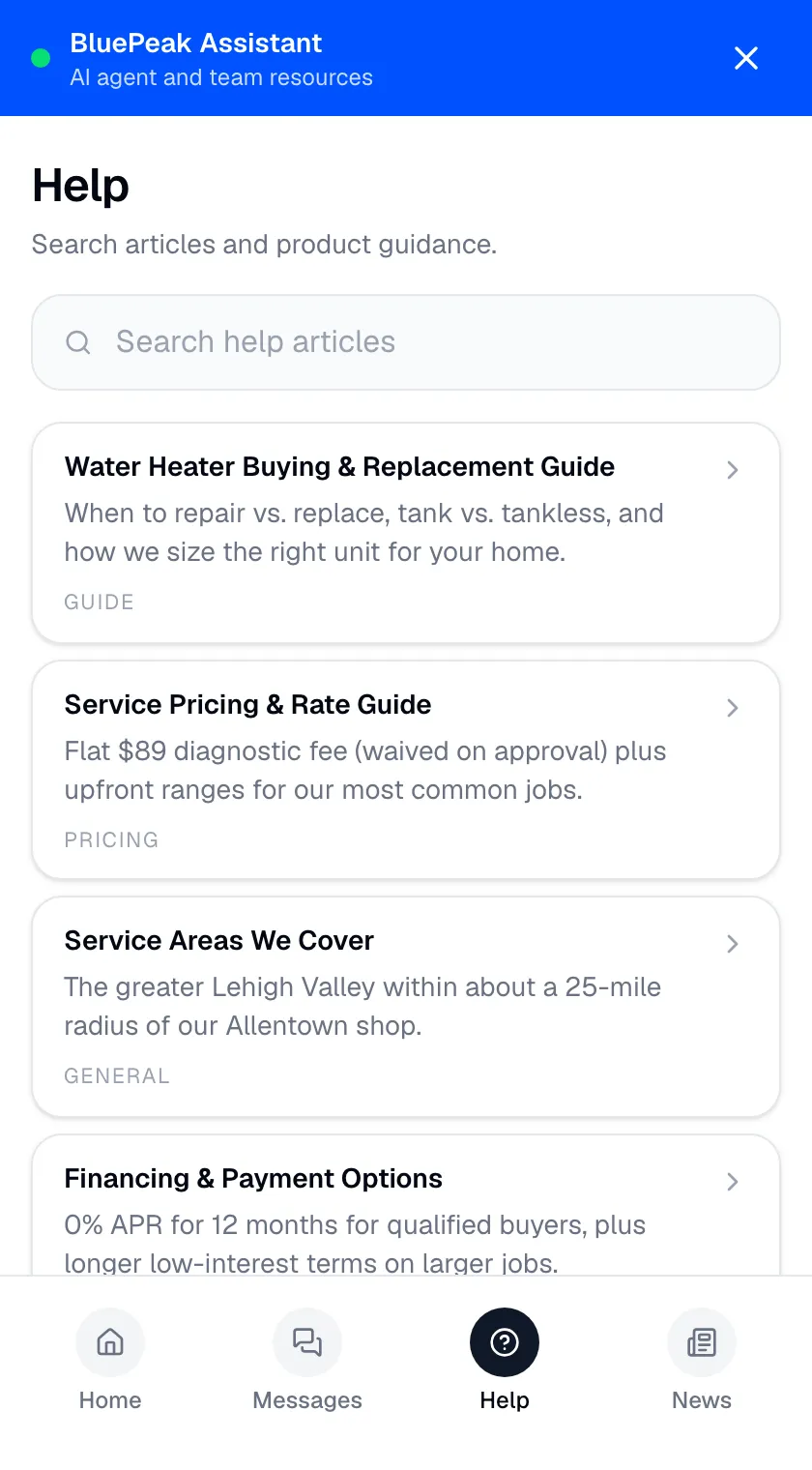
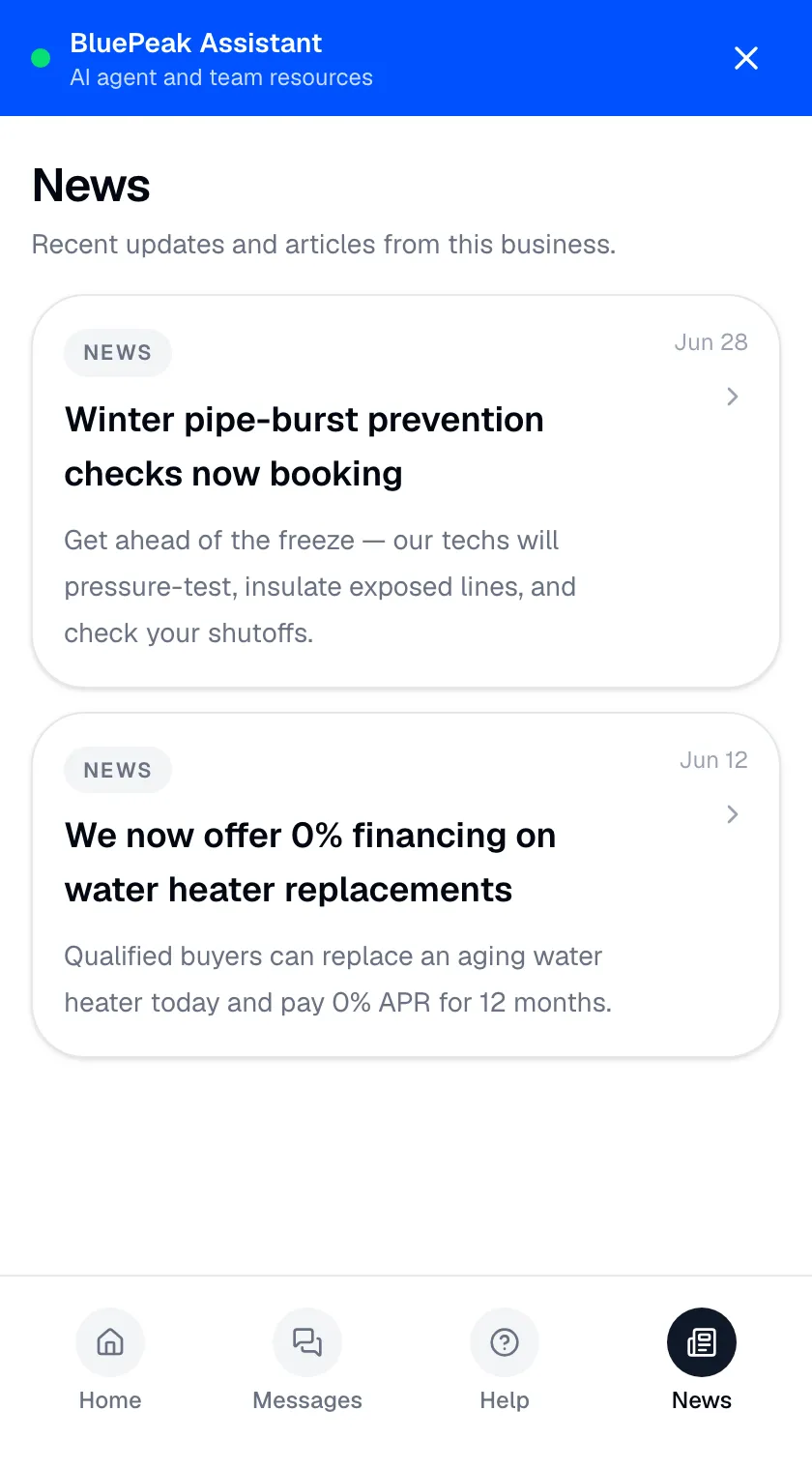
The widget includes a searchable help center you curate and a lightweight news feed — many visitors prefer to find the answer without opening a conversation, which is exactly what good self-service does.
- Pull in knowledge docs, write articles, or add external links
- Reorder, feature on the home view, enable or disable
- Publish news cards with category, title, excerpt, and date
Photos the AI reads
Sometimes a picture settles it.
A customer describing a broken part or the wrong item can spend five messages on something a photo would settle instantly. Visitors can attach up to four images — and the AI actually analyzes them, not just stores them.
- Zurvo reads the images and answers about what it sees
- Visitor and team both view the uploaded photos in the conversation
- Context is shared on both sides

The details that matter
Built for real visitors.
Small things make a widget usable in the real world — feedback that improves the bot, a mobile experience that holds up, and continuity for returning visitors.
- Thumbs up/down flows straight into AI Insights
- Adapts to small screens with a fullscreen view
- Returning visitors resume recent conversations from the hub
- Replies in the language the visitor writes in, automatically
One embed, a whole support experience.
Drop in a script tag or an iframe and the widget works — no plugin to maintain, no platform lock-in. But it’s more than a chat bubble: visitors land on a hub where they can ask a question, reach a human, search your help center, or catch up on news, all powered by the same grounded AI, knowledge base, and human handoff that run the rest of Zurvo. When words aren’t enough, they can snap a photo the AI actually reads, and answers feed lead capture and AI Insights.
The widget is your brand within a shared frame — you control color, position, and greeting, but the “Powered by Zurvo” mark stays, and it’s web-embed only, not a native mobile SDK. It’s included on every plan; see pricing. Try it live and see the chat widget in action.
Frequently asked questions.
How do I install the widget?
Add a single script tag to your site, or embed it as an iframe. It works on any website platform — WordPress, Wix, Squarespace, Shopify, Webflow, a custom site — because it's just an embed, not a plugin you have to maintain.
Can I match it to my brand?
Yes. Set the brand color, choose the widget's position on the page, and write your own greeting. The widget carries a Powered by Zurvo mark.
What's the hub home?
Instead of dropping visitors straight into a chat, the widget opens on a home view where they can ask a question, request a human, browse a searchable help center, or read news — all curated from your content. It's a small support center, not just a chat box.
Can visitors send photos?
Yes — a visitor can attach up to four images to a message, and the AI actually analyzes them rather than just storing them. Useful when a customer can show the problem faster than they can describe it.
Does it work on mobile?
Yes. The widget adapts to mobile and supports a fullscreen view, so the experience holds up on a phone as well as a desktop.
How does the help center and news feed work?
The widget includes a searchable help center you curate — pull in knowledge documents, write custom articles, or add external links, then reorder them, feature the important ones, and enable or disable the section. The same controls let you publish a news feed of product updates and announcements as cards with a category, title, excerpt, and date. Many visitors prefer to find the answer themselves, which is exactly what a good self-service tool does.
What powers the answers, articles, and news in the widget?
Everything in the hub is powered by the same grounded AI and knowledge base that run the rest of Zurvo, so answers, articles, and news all come from your own content. Asking a question opens a grounded conversation with sources; talking to a human routes into your team inbox with full context — see Human Handoff.
What if a visitor writes in another language?
Zurvo replies in the language the visitor writes in. If someone starts the conversation in another language, the answer comes back in that same language — Zurvo detects it from their message, so there's nothing to configure.
What happens to message feedback and returning visitors?
Visitors rate answers with a thumbs up or down, and that feedback flows straight into AI Insights so you can fix what missed. Returning visitors can resume recent conversations from the hub, picking up where they left off. The widget also drives lead capture, which picks up your brand color inline.
What does the widget not do?
It's one widget per site, embedded on web pages — not a native iOS or Android SDK. Branding has limits: you control color, position, and greeting, but the Powered by Zurvo mark stays, so it's your brand within a shared frame rather than a fully white-labeled rebuild. The help center and news are curated, not automatic — they show what you choose to feature, which means you're in control but you do the curating.
Turn your website into your best support agent.
Train Zurvo on your content, answer customers with citations, and hand off to your team when it counts.
3-day free trial · Monthly or annual billing · Cancel anytime