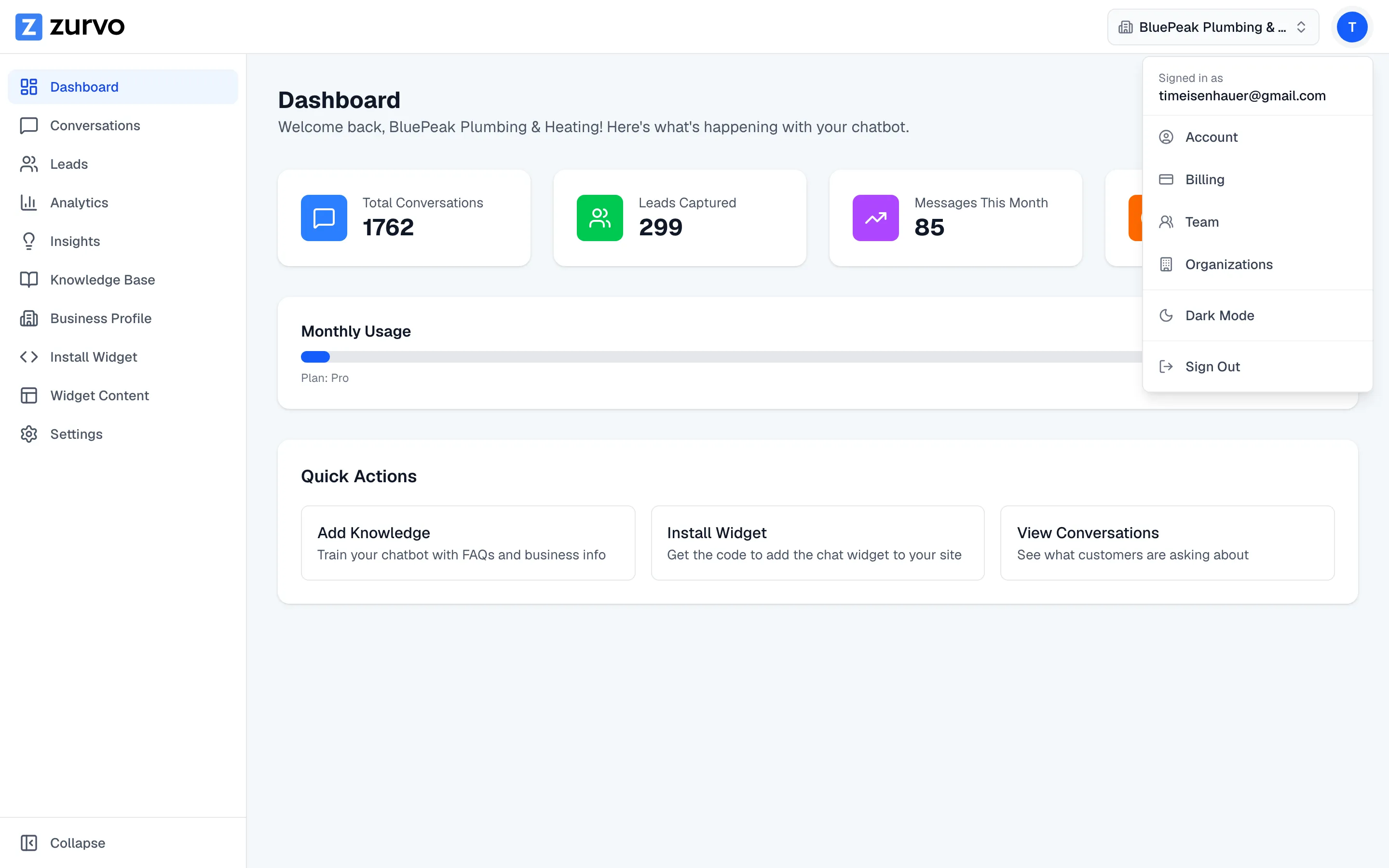
Switch between light and dark mode.
Toggle the Zurvo dashboard between light and dark mode, and understand why the on-site widget always shows light to your visitors.
Zurvo’s dashboard supports both light and dark mode, so you can work in whichever is easier on your eyes.
Switch modes
Open the avatar menu at the top of the app and use the light/dark toggle. The change applies immediately across the dashboard.
It’s saved per browser
Your choice is remembered in the browser you’re using, so it sticks between sessions on that device. If you sign in from a different browser or computer, set it again there — the preference doesn’t travel with your account.
The widget always shows light to visitors
The light/dark toggle affects your view of the dashboard only. The chat widget embedded on your website always renders in light mode for your visitors, no matter which mode you use in the dashboard. That keeps the widget consistent and predictable for the people chatting on your site.