
Live Chat for Your Website.
Live chat for your website where you reply to visitors yourself from one inbox — plus an assistant that answers instantly whenever you're away.
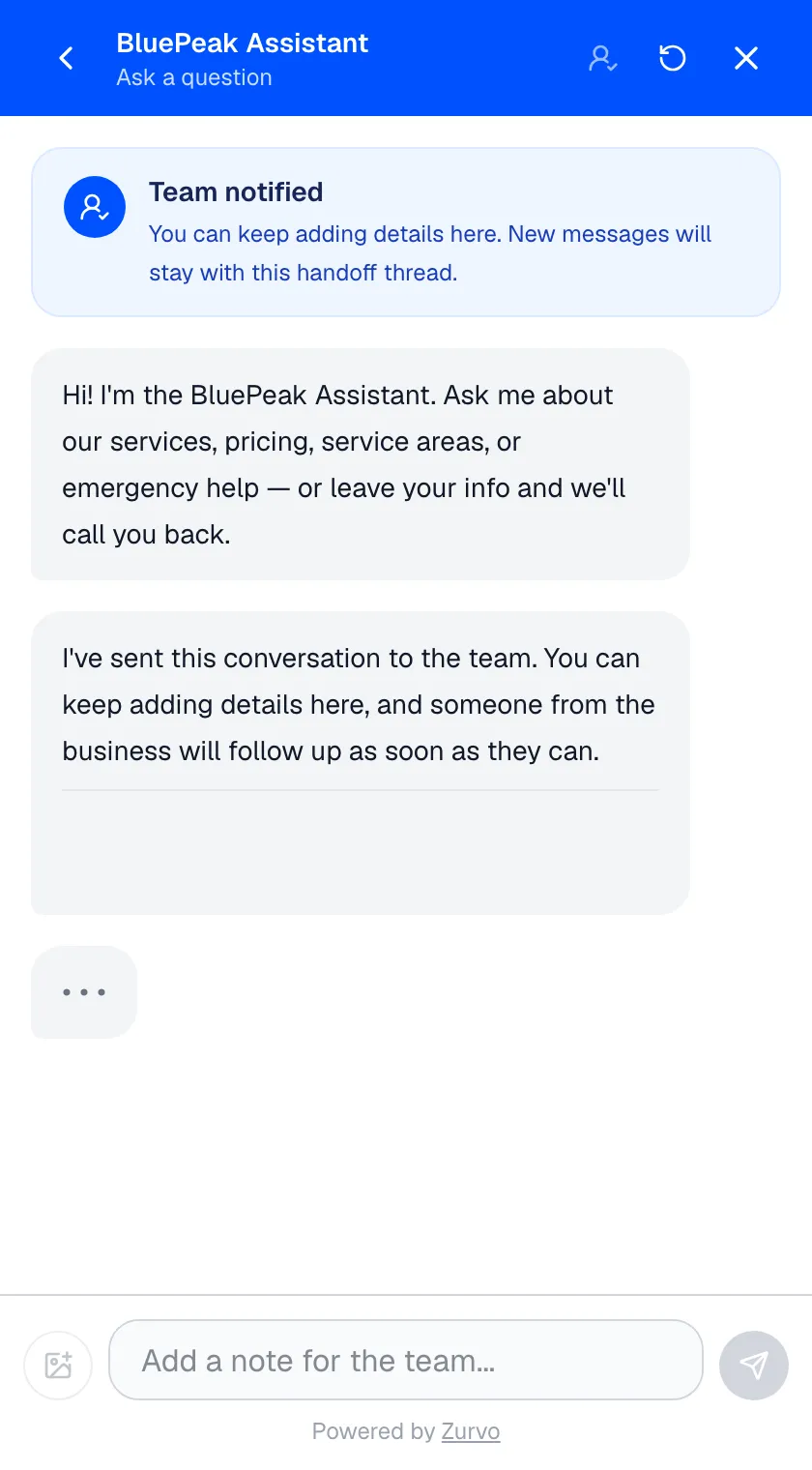
You want to talk to the people on your website yourself. When a visitor has a question, the fastest way to win them is a real reply from a real person — you, not a form that dumps into an inbox you check later. That’s what live chat is supposed to be.
Zurvo is live chat software for your website — a chat window visitors open to message you, backed by one shared inbox where you and your team reply as yourselves, plus an assistant that answers instantly whenever you’re away. The problem it fixes is the thing most live chat gets wrong: what happens when you’re not sitting at the screen. The visitor waits in a queue for an agent who’s busy, or they hit a “leave a message” form and get an email hours later — by which point they’ve moved on. Zurvo gives you the live chat support you actually want: real-time responses from you when you’re there, and an assistant covering the moments you can’t, so a conversation never dies in an empty window.
Live chat, without the queue or the “leave a message” form.
Two things kill traditional live chat. The first is the wait — a visitor pings the widget, sees “an agent will be with you shortly,” and stares at nothing while you’re on a call or out on a job. The second is the fallback — the moment you go offline, the widget quietly turns into a contact form, and the person who wanted to talk is now told to email and wait.
Zurvo closes both gaps. When you’re available, visitor messages land in your inbox and you reply in the live conversation — your name on your messages, so the visitor knows a real person picked up. When you’re not, the assistant answers on the spot from your own content instead of showing a form, and captures the visitor’s details so you can pick the thread back up. Either way, the visitor gets a response now, and the missed chats that used to pile up in an offline queue simply don’t happen.
How live chat for your website works.
- Visitors chat in a widget on your site. Every conversation they start lands in your shared team inbox — one place for you and your team to see and answer everything.
- You reply as yourself. Answer from the dashboard and your name shows on your messages in the widget. It reads like the personal reply it is, not a ticket number.
- You take over anytime. Jump into any conversation the assistant is handling — the moment you join, the assistant goes quiet and steps aside, so you and the AI never talk over each other.
- The assistant covers when you’re away. Nights, weekends, mid-job — it answers instantly from your own website and documents, so a visitor never waits on an empty window. See how it answers from your content.
What happens when you’re not available to chat?
The assistant keeps answering. When you’re closed or out on a job, it replies instantly from your own content instead of showing an offline message form, and if a visitor needs a person it captures their name, contact, and what they need as a lead, then emails you. That after-hours coverage is exactly what traditional live chat lacks — the visitor who shows up at 9pm is the one it loses, but here you wake up to a warm conversation, not a missed one.
What you get.
- Real human chat when you’re there. Reply to visitors yourself, in the conversation, with your name on it.
- An always-on answer when you’re not. Instant replies from your own content instead of a form and a wait.
- Every conversation in one inbox. Statuses and first-response targets keep response times honest, saved replies speed up the answers you send often, and full chat history means nobody starts from scratch.
- Email notifications when a visitor asks for a person. So a request for you doesn’t sit unseen.
- A one-line install on any platform. No plugin to maintain, no data pipeline to build.
An honest note on limits.
Zurvo answers questions, captures leads, and routes conversations to your inbox — the assistant draws only on the content you give it, so how well it answers depends on what you feed it. It doesn’t show you who’s browsing your site in real time or ping you before a visitor sends a message; it works from the messages people actually send. Data is isolated per tenant with encryption, role-based access, and audit logs, but Zurvo does not currently hold SOC 2 or HIPAA certification — those are roadmap items, described plainly on security and control.
Where live chat for your website fits best.
- Owners and small teams who want to talk to visitors themselves, not hide behind a form.
- Businesses that can’t staff a chat window every hour but don’t want after-hours visitors to bounce.
- Sites where a fast, personal reply is what turns a browser into a customer.
Related reading: chatbot vs live chat, website chat widget, and chat with your website visitors.
The bottom line.
Live chat for your website should mean you talk to your visitors — with something reliable covering the hours you can’t. Zurvo gives you both: reply as yourself when you’re there, an assistant that answers and captures leads when you’re not, and one inbox holding it all.
See how it works, check pricing, or try it live to watch it answer on your own content.