Work with multiple organizations.
Create and switch between organizations, each with its own dashboard and data, and understand how billing works when you run more than one.
An organization is a self-contained workspace: its own chatbot, knowledge base, conversations, leads, team access, and settings. If you run more than one business — or manage sites for clients — you can keep each one in its own organization under a single login.
Create an organization
Open the Organizations page from the account menu (your avatar, top-right) and use the Create a new organization form. Enter a Business name and, optionally, a Website URL, then click Create organization. Zurvo drops you into the new organization’s dashboard.
A new organization starts paused — its chatbot won’t answer visitors until you start a plan for it. See “Each organization is billed separately” below.
Switch between organizations
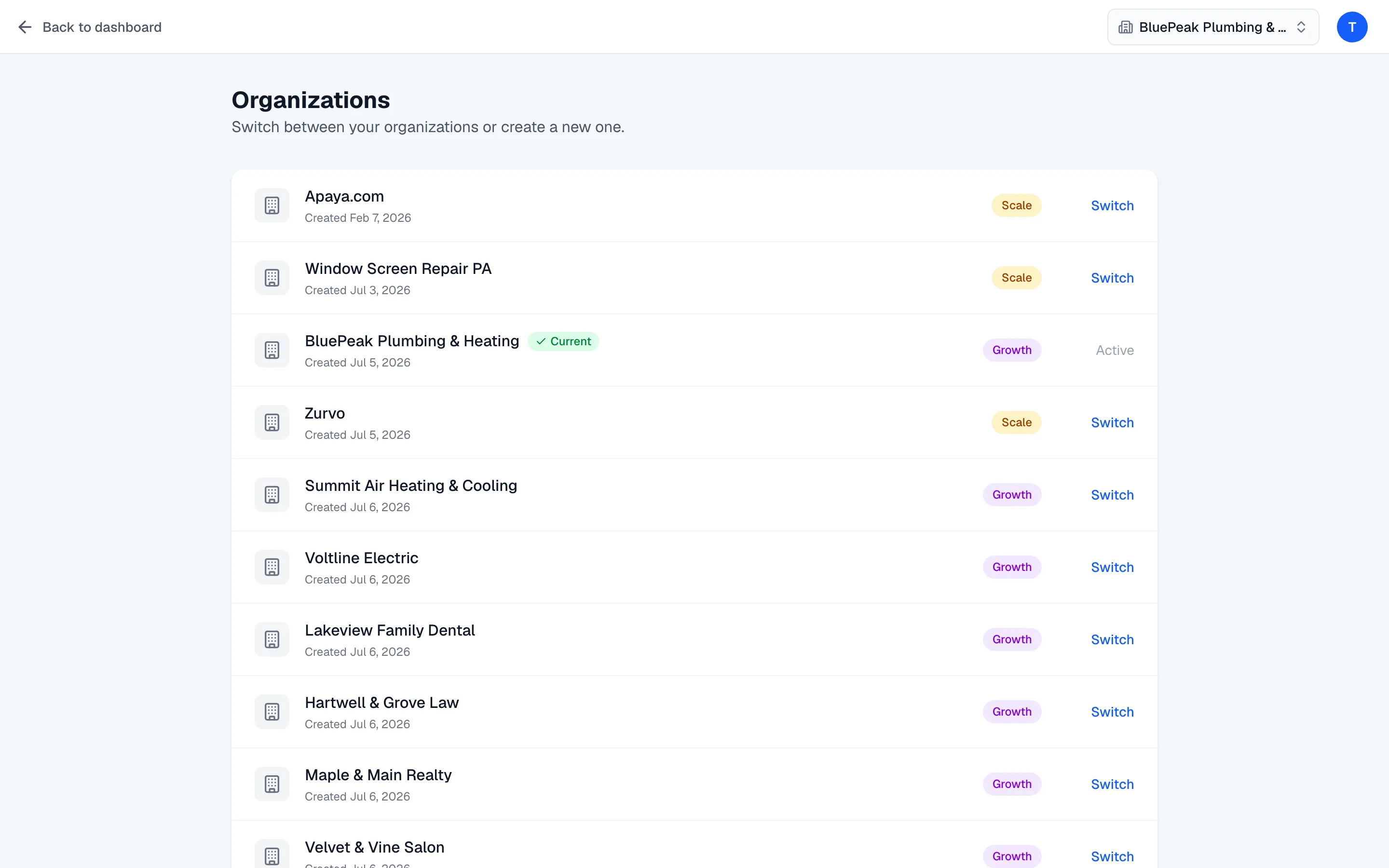
The Organizations page lists every organization you own, each with its plan badge and creation date, and highlights your Current one. Click Switch on any other organization to move into it. There’s also an organization switcher in the top bar of the dashboard for quick hopping.
Everything you see — the home stats, conversations, leads, knowledge base, and settings — belongs to the organization you’re currently in. The URL carries the organization’s ID, so each organization has its own dashboard.
Each organization is billed separately
Billing in Zurvo is per organization, handled through Stripe. Each organization needs its own active plan for its chatbot to work — there’s no shared or portfolio subscription, and no free tier. When you create a new organization it starts paused; activate it by starting a plan from the Billing page, which lists every organization you pay for in one place.
Learn how to start and switch plans in Manage your plan.
Team access spans your organizations
You invite each teammate once, then grant them access to whichever organizations you choose, at a role per organization. See Invite and manage your team for the full flow.
Note: Multiple organizations is a newer capability that’s currently rolling out. If you don’t see the Organizations page or the switcher, your account is running with a single organization for now.