Greet visitors with proactive triggers.
Configure proactive engagement so the widget greets visitors on its own — a teaser bubble or an auto-open — with a delay, message, cooldown, and mobile control.
Proactive engagement lets the widget reach out first — a few seconds after a visitor lands, it can pop a teaser message or open the chat automatically. It’s off by default. This guide sets it up.
Turn on proactive engagement
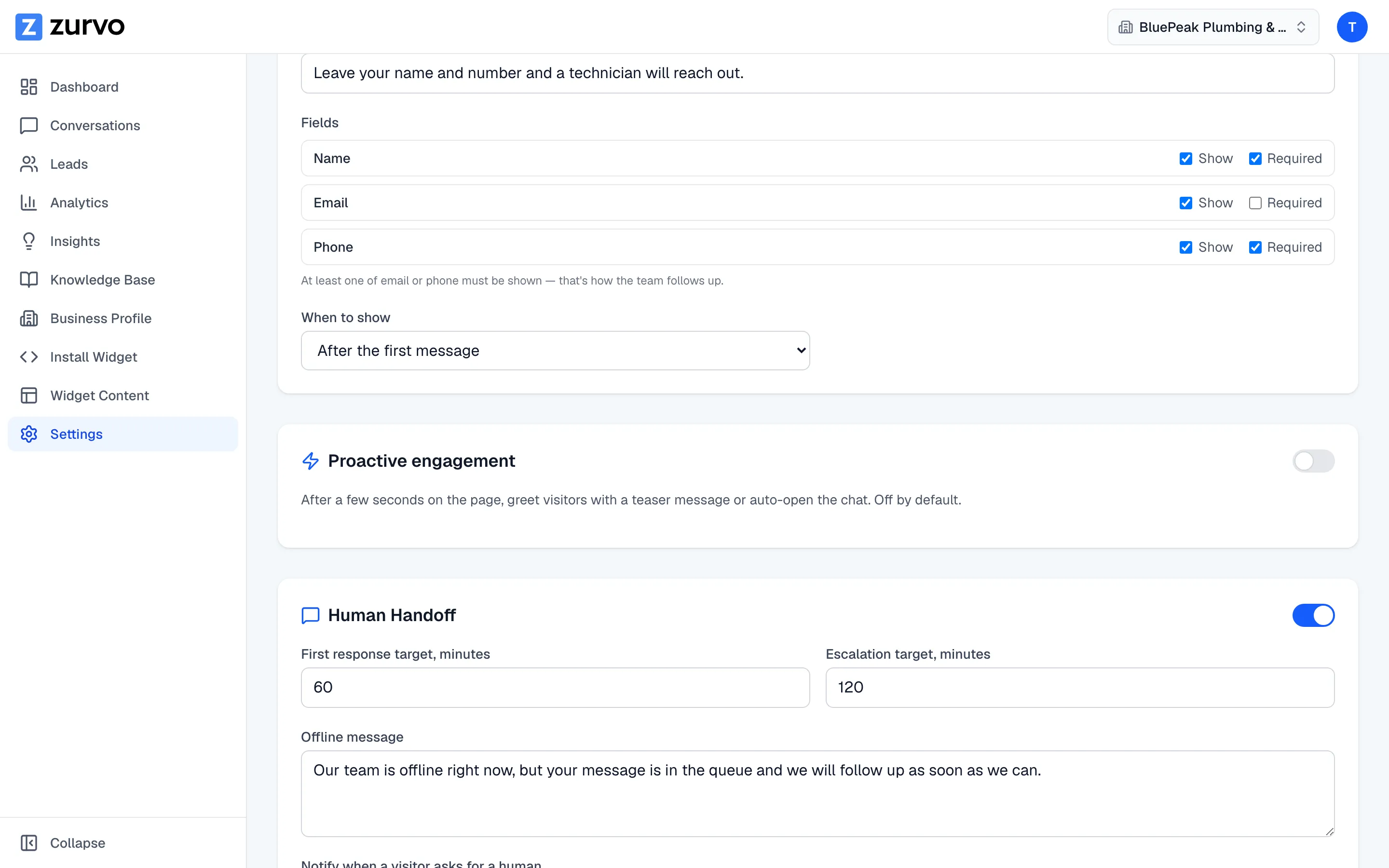
Go to Settings in the sidebar and find the Proactive engagement card. Flip the toggle in its header to enable it. The options below appear once it’s on.
Choose a mode
Pick how the widget greets visitors:
- Teaser message — shows a small, dismissible message bubble next to the launcher. Inviting without taking over the page.
- Auto-open chat — opens the chat window automatically.
Set the delay
Delay (seconds) is how long a visitor is on the page before the trigger fires. A few seconds is usually right — long enough that it doesn’t feel abrupt, short enough to catch attention.
Write the message
The Message is the text shown in the teaser bubble. Leave it blank to fall back to your chatbot’s greeting message, so you don’t have to maintain two greetings.
Control how often it shows
Show again sets a cooldown so you don’t nag the same visitor:
- Every visit — fires each time.
- Daily, Weekly, or Monthly — fires at most once per that window.
Mobile behavior
Show on mobile controls whether the teaser appears on phones. One rule always holds: auto-open downgrades to a teaser on mobile, so the chat never hijacks a small screen. If you turn Show on mobile off, phones see no proactive trigger at all.
Save and preview
Click Save Changes to publish. Because returning-visitor and cooldown rules can make triggers hard to re-test in your own browser, use the widget preview — it always shows your configured trigger as a first-time visitor would see it.