
Let visitors send photos in chat.
Visitors can attach up to four images to a chat message — the AI reads them to help answer, and your team sees the photos in the inbox for context on the request.
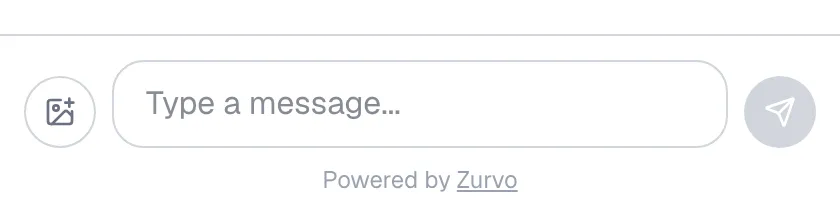
Some questions are easier to show than to describe. Your widget lets visitors attach images to a chat message — a photo of a product, a screenshot of an error, a picture of a part. The AI reads them to help answer, and your team sees them in the inbox. This works out of the box; there’s nothing to switch on.
How visitors attach photos
In the chat composer, visitors use the image button to pick photos from their device, then send them with their message.
- Up to 4 images per message.
- Allowed formats: JPEG, PNG, WEBP, and GIF.
- Each image must be under 10 MB.
If a file is the wrong type or too large, the widget shows a short message and skips it, so the visitor can try a different image.
The AI reads the images
When a visitor sends photos, the AI reads them on that turn and factors them into its answer. So a customer can send a picture of the thing they’re asking about and get a response that accounts for what’s actually in the image — no need to describe it in words.
Your team sees the photos in the inbox
Attached images travel with the conversation. When a chat reaches your team in the inbox, the photos appear inline with the visitor’s message — so whoever picks it up has the same context the visitor gave, without asking them to re-send anything.
Test it
Open the widget preview, attach an image in the composer, and send it with a question to see how the bot responds and how the photo appears in the thread.