Review risky and downvoted answers.
Catch answers your chatbot gave on thin evidence and answers visitors marked unhelpful, then fix each one with the Answer this loop before it costs you a customer.
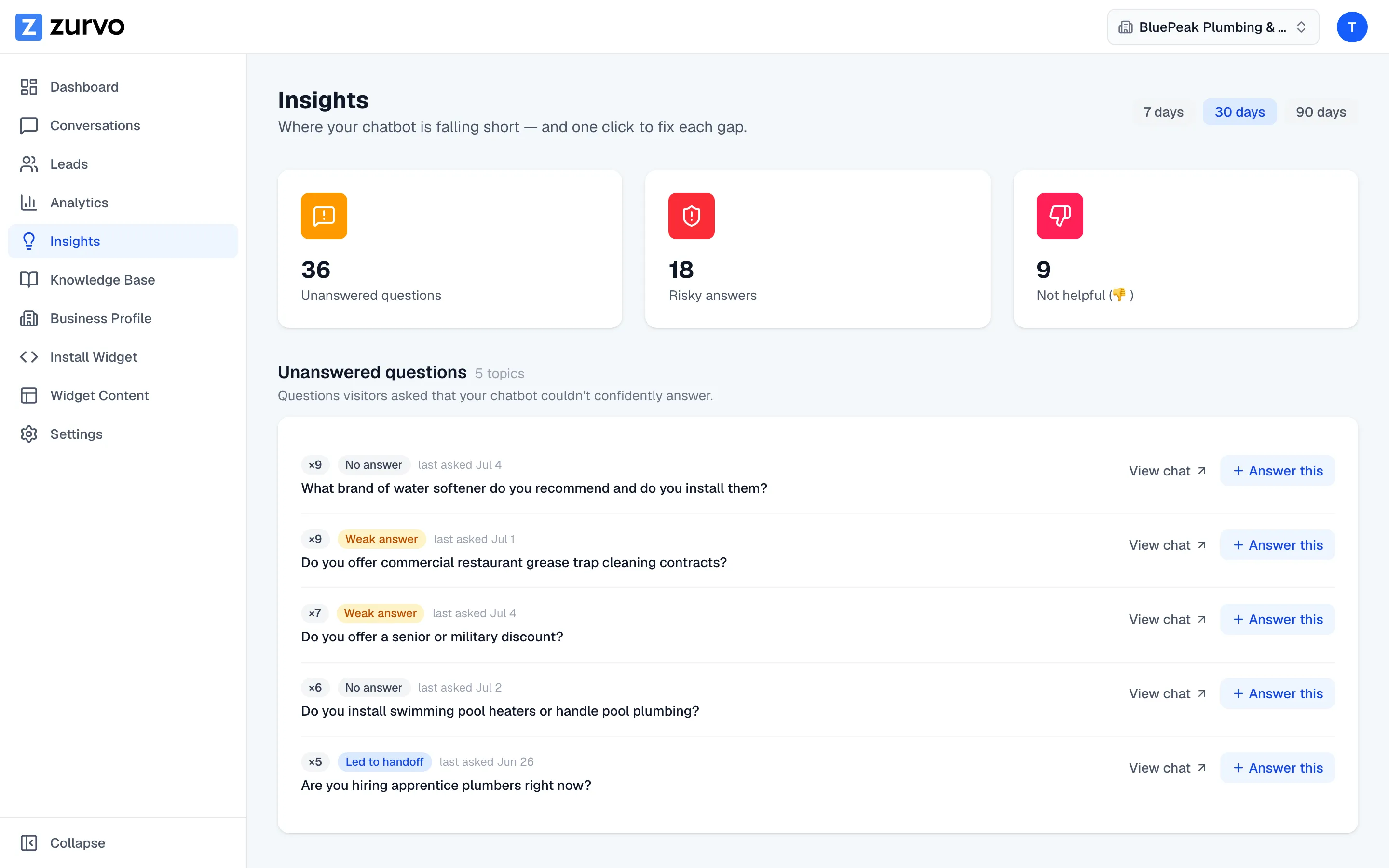
Not every answer your chatbot gives is one you’d stand behind. The Insights page surfaces two kinds to review — answers built on thin evidence, and answers a visitor told you weren’t helpful — so you can fix them before they cost you.
Risky answers
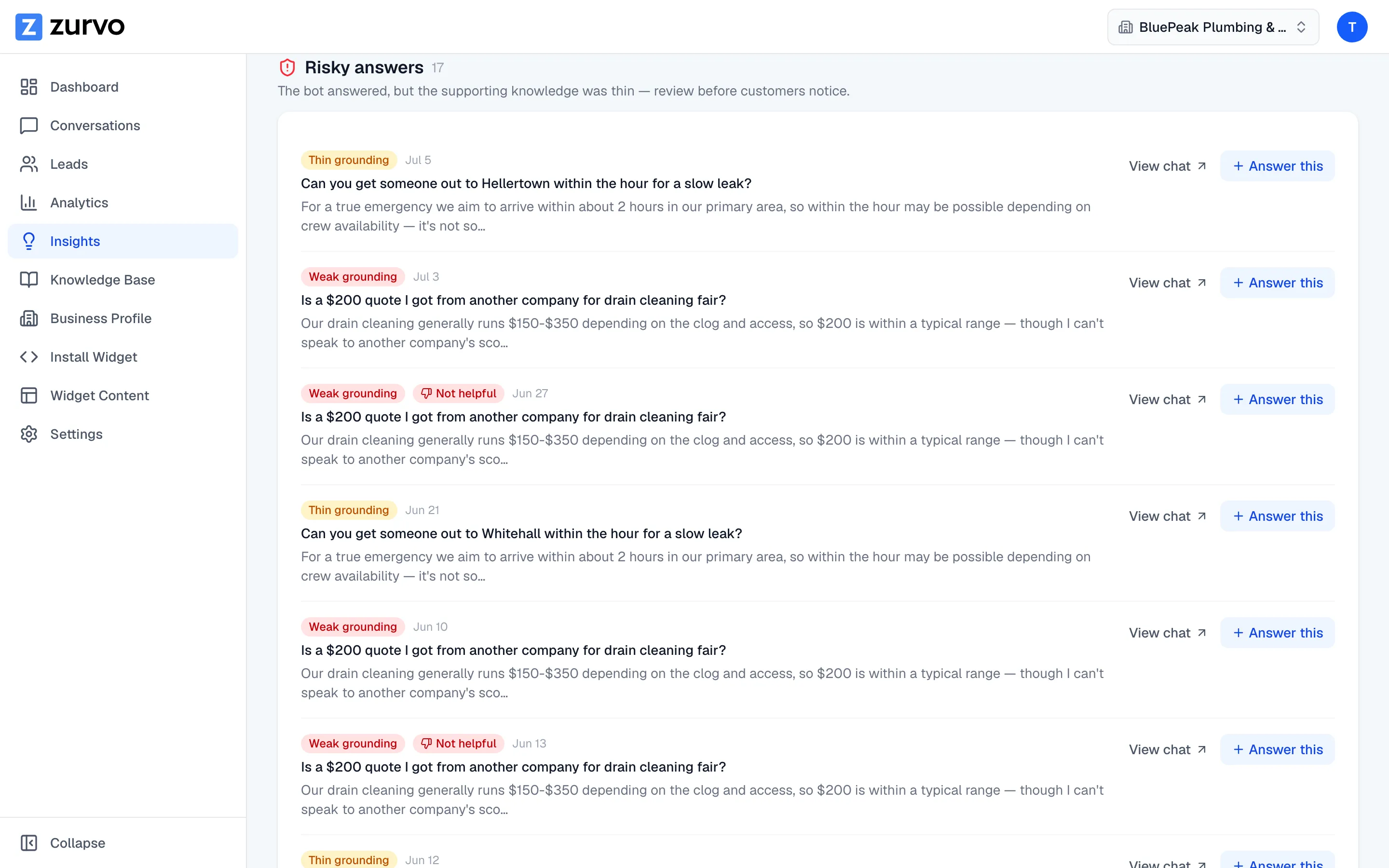
The Risky answers section lists replies where your chatbot answered, but the supporting knowledge was thin. These are the trickiest to catch on your own: the visitor got a confident-sounding reply, so nothing looked wrong — but the evidence behind it was borderline, which makes these answers the most likely to be subtly incorrect.
Each row shows the visitor’s question, a snippet of the answer, and a grounding badge — Weak grounding or Thin grounding — telling you how shaky the evidence was. If a visitor also rated the answer, you’ll see a Helpful or Not helpful badge alongside it. Review these before customers do.
Not helpful (thumbs-down)
The Not helpful section collects answers a visitor explicitly marked with a thumbs-down. This is direct feedback — a real person told you the answer missed. Each row shows the question and a snippet of the answer that was downvoted, so you can see exactly what fell flat.
Fix each one with “Answer this”
Both sections give you the same two actions on every row:
- View chat — open the full conversation for context.
- Answer this — jump to your knowledge base with the question pre-filled, ready for you to add or correct the information your chatbot needs.
This is the fix loop: spot a weak or unhelpful answer, click Answer this, and write the knowledge that makes the next answer solid. The “Answer this” loop is covered in detail in the training help.
A note on older conversations
Zurvo tags each answer’s outcome as it happens. Conversations from before that tagging began are classified from retrieval signals instead, so counts for older periods are a best-effort estimate — the page tells you when this applies.
Start upstream with the unanswered questions queue, or step back to the numbers with your analytics overview.