Troubleshoot a chatbot that won't answer.
Work through why a Zurvo chatbot stops answering — a paused plan, a reached message limit, a disabled bot, missing training, or an expected abstention.
If your chatbot has stopped answering visitors, it’s almost always one of a handful of causes. Work through this checklist in order — most are quick to confirm and fix.
1. Your plan is paused
Your chatbot only answers while your organization has a live plan — an active subscription or an in-progress trial. If your trial ended, a payment failed, or you never finished checkout, the bot pauses and visitors see a message asking the business owner to activate the plan.
Nothing is deleted while you’re paused — your conversations, leads, and training all stay put. Reactivate from Billing & Account and the bot goes live again immediately.
2. You’ve hit your monthly message limit
Each plan includes a set number of messages per month, and Zurvo enforces a hard cap — there’s no overage billing. When you reach the limit, the bot stops answering for the rest of the billing period and visitors see a message that the limit was reached.
Check your usage on the dashboard home, where a usage bar shows how much of your monthly allowance you’ve used. To keep answering, upgrade your plan for a higher limit; otherwise the counter resets at the start of your next billing cycle.
Note that during a 3-day trial the limit is lower — 50 messages — so a busy trial can reach the cap quickly.
3. The chatbot is turned off
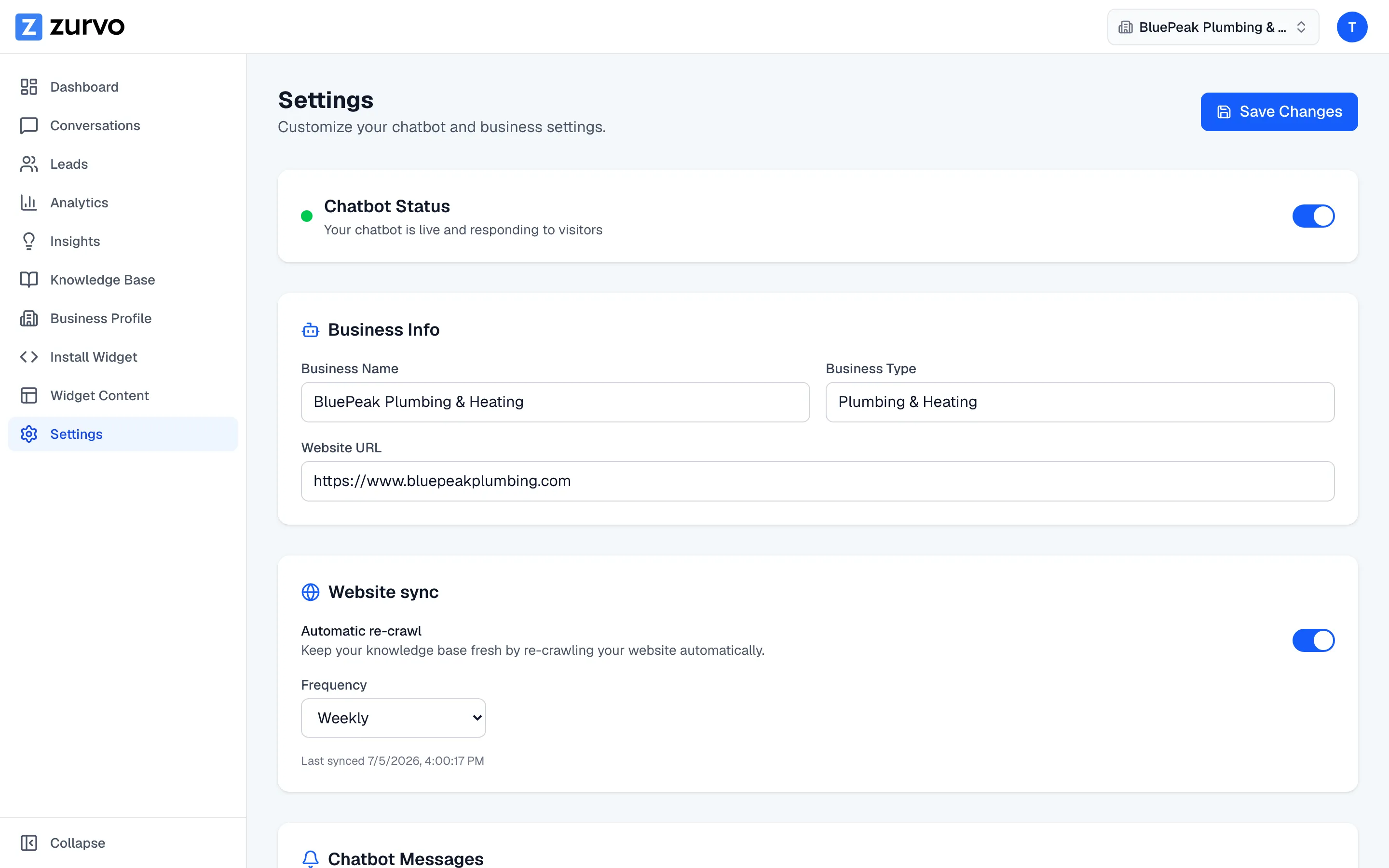
A chatbot can be disabled in its settings. A disabled bot won’t respond on your site even with a live plan and available messages. Open your chatbot’s settings and confirm it’s set to active.
4. It hasn’t been trained yet
Zurvo answers only from the content you’ve given it — your crawled website pages and uploaded documents. A brand-new chatbot with an empty knowledge base has nothing to draw on, so it can’t answer product or business questions.
If you haven’t trained it yet, start with Training your chatbot: crawl your site and upload any documents you have. Give the crawl time to finish before you test.
5. It’s declining on purpose (this is expected)
Zurvo is deliberately built to say it doesn’t know rather than guess. When a visitor asks something your training doesn’t cover, the bot won’t invent an answer — it says it doesn’t have that information and offers a next step.
This is a feature, not a fault: it’s what keeps the bot from making things up about your business. If the bot declines a question it should be able to answer, that’s a signal your content is missing or thin on that topic. Your insights surface these unanswered questions automatically, with an “Answer this” flow to fix the gap. Add the missing content and the bot will answer next time.
Still stuck?
If the bot is on a live plan, under its limit, enabled, and trained — but still won’t answer for a specific visitor — see the Troubleshooting FAQ for narrower cases like a reached limit message, a rejected file, or a handoff that isn’t notifying you.