Protect your edits from being overwritten.
When you edit a crawled page by hand, Zurvo marks it as yours and shields it from re-crawls — so your corrections stick even as your website changes.
You’ve fixed a page’s wording or corrected a fact, and you don’t want the next crawl to undo your work. Zurvo protects hand-edited documents automatically. This guide explains how that protection works.
Editing marks a document as yours
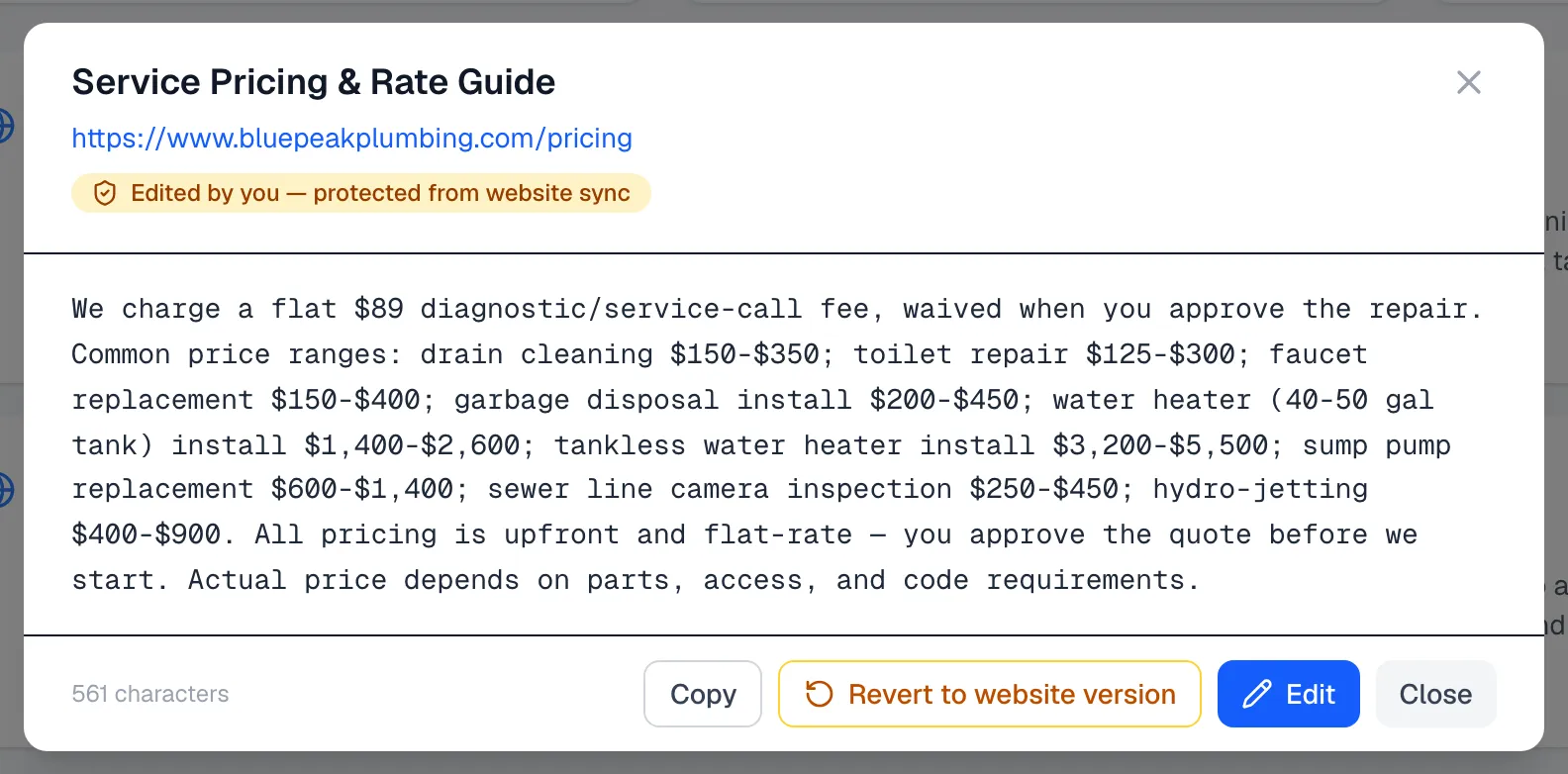
When you edit a crawled page, Zurvo marks it Edited by you. The document viewer shows a note that it’s protected from website sync. From that point on, your edited copy is the one your chatbot answers from.
Re-crawls leave your edits alone
Whether you re-crawl manually or auto-recrawl is running, Zurvo skips updating any document you’ve edited by hand. Your corrections survive every crawl — the fresh content from your site does not replace them. And if the original page is removed from your website, your edited copy is still kept rather than deleted.
Go back to the website version
If you decide you’d rather have the live content from your site again:
- Open the document.
- Choose Revert to website version.
Your edited content stays in place for now, and the next crawl replaces it with the current content from your website. In other words, reverting lifts the protection — the actual swap happens on the next crawl.
When to protect versus type new
Editing a crawled page is best when a specific page is mostly right but needs a fix. If you’re asserting a fact that isn’t tied to any one page, it’s cleaner to type it directly as curated knowledge, which your chatbot also prioritizes.